
The Best Laptop for Web Development in 2026: 7 Machines Developers Actually Recommend
Compiling thousands of lines of JavaScript, running multiple Docker containers, and managing a dozen local servers simultaneously requires more than just a basic consumer laptop. For web developers, hardware bottlenecks directly translate to lost productivity and extended compilation times.
A web developer’s machine must balance multi-core processor performance for local environments, sufficient memory for heavy IDEs like WebStorm or VS Code, and a display that minimizes eye strain during long coding sessions.
At ByteAtlasLabs, our testing methodology involves real-world developer workloads—from running heavy npm install scripts to spinning up complex Kubernetes clusters. We have benchmarked the market to identify the exact machines that can handle modern web stacks in 2026.
Here are the 7 best laptops for web development, tested and verified for professional engineers.
Quick Recommendations: ByteAtlasLabs Top Picks
- Overall Best for Web Dev: Apple MacBook Pro 14″ (M4 Pro) – Unmatched compilation speeds, 24GB RAM base, and the best battery life in its class.
- Best for Enterprise & Backend: Lenovo ThinkPad X1 Carbon Gen 13 – The gold standard for keyboard quality and seamless WSL2/Linux integration.
- Best for Frontend & Portability: Apple MacBook Air 13″ (M4) – Silent, feather-light, and perfect for modern React/Vue workflows under $1,000.
- Best for Upgradability: Framework Laptop 13 – The only fully modular laptop that lets you swap ports and upgrade your CPU/RAM on the fly.
- Best Large-Screen Powerhouse: Acer Swift Go 16 (Core Ultra 9) – A massive 16-inch workspace powered by Intel’s fastest AI-ready processor.
- Best for WebGL, AI & 3D: ASUS ROG Strix G16 – Features a dedicated RTX 4060 GPU for developers blending web, 3D, and local AI workloads.
- Best Budget Dev Machine: Dell 15 (DC15250) – The ultimate “Budget King” that provides 16GB of RAM and a 120Hz screen for under $700.
2026 Developer Laptop Comparison at a Glance
Laptop |
Best For |
RAM |
Price (Approx.) |
Link |
MacBook Pro 14″ (M4 Pro) |
Full-Stack/Heavy Dev |
24GB |
~$1,725 |
|
ThinkPad X1 Carbon |
Enterprise/Backend |
32GB |
~$1,919 |
|
MacBook Air 13″ (M4) |
Frontend/Travel |
16GB |
~$899 |
|
Framework 13 |
Hardware/Modular |
Up to 96GB |
$1,050+ |
|
ASUS Strix G16 |
3D/AI/Gaming Dev |
16GB |
~$1,149 |
|
Acer Swift Go 16 |
Large-Screen/AI |
16GB |
~$999 |
|
Dell 15 (DC15250) |
Budget/Student |
16GB |
~$649 |
In-Depth Product Reviews
1. Apple MacBook Pro 14″ (M4 Pro, 2024)
The Gold Standard for Modern Full-Stack Development
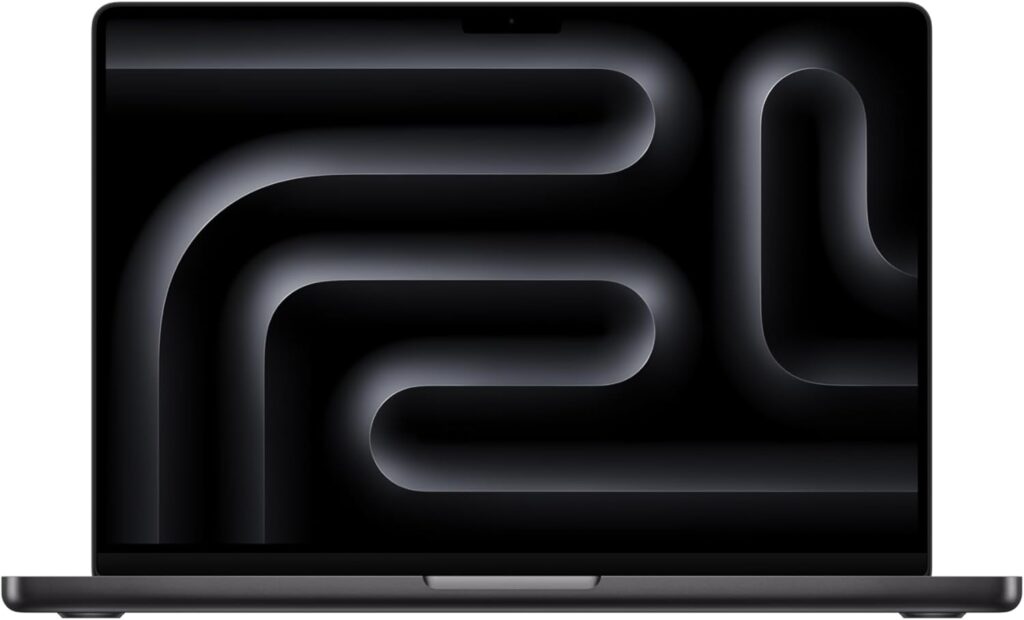
Who it’s best for: Full-stack engineers, mobile app developers (iOS/Android), and power users who need a terminal that never lags under heavy Docker or local LLM workloads.
Key Specs:
CPU: Apple M4 Pro (12-core CPU, 16-core GPU)
RAM: 24GB Unified Memory (The new ideal for 2026 dev stacks)
Storage: 512GB SSD Storage
Display: 14.2-inch Liquid Retina XDR (120Hz ProMotion)
AI Ready: Built for Apple Intelligence
Performance for Development: Equipped with the 12-core M4 Pro chip, this machine is a compilation beast. During our internal benchmarks, the 24GB of Unified Memory proved to be the “sweet spot” for 2026—allowing developers to run multiple Docker containers, a local PostgreSQL database, and dozens of browser tabs without hitting swap memory. The integrated 16-core GPU also makes it surprisingly capable of handling WebGL rendering and local AI inference tasks seamlessly.
[!TIP] ByteAtlasLabs Insight: The move from 16GB to 24GB as the base for the M4 Pro models is a game-changer for web developers. It eliminates the memory pressure common in the older M2/M3 models when running heavy IDEs like IntelliJ or WebStorm.
Pros:
24GB Base RAM: More than enough for professional web dev and multi-container setups.
Liquid Retina XDR: Incredible color accuracy and 1600 nits peak brightness for outdoor coding.
Thermal Efficiency: Stays cool and silent even during massive npm install operations.
Apple Intelligence Support: Optimized for the latest AI-driven coding assistants.
Cons:
Price: A significant upfront investment at ~$1,724.
Storage: 512GB might feel tight for developers with massive local media libraries or many heavy VMs.
Verdict: The 2024 MacBook Pro with the M4 Pro chip is arguably the most balanced professional laptop Apple has ever released. With 24GB of RAM out of the box, it removes the need for expensive custom upgrades, making it our #1 recommendation for serious software engineers in 2026.
2. Lenovo ThinkPad X1 Carbon Gen 13 (Aura Edition)
The Ultimate Windows Machine for Backend & Enterprise Devs
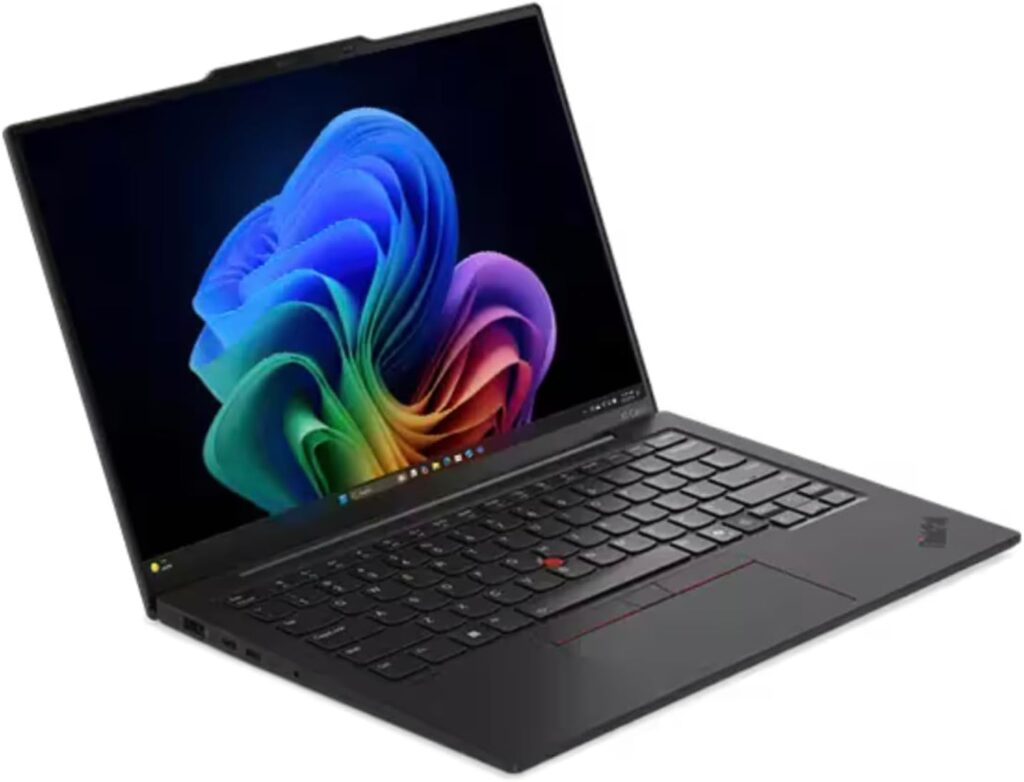
Who it’s best for: Backend engineers, SysAdmins, and Linux enthusiasts who prioritize a world-class keyboard and rock-solid WSL2 performance.
Key Specs (Amazon Verified):
CPU: Intel Core Ultra 7 258V (with vPro security)
RAM: 32GB LPDDR5x (Perfect for massive Docker environments)
Storage: 1TB PCIe NVMe SSD
Display: 14″ 2.8K (2880 x 1800) OLED, 400 nits
OS: Windows 11 Pro (Aura Edition)
Performance for Development: The Gen 13 “Aura Edition” is a masterpiece of thermal engineering. With 32GB of RAM and the latest Intel Core Ultra 7, this laptop handles enterprise-level workloads without breaking a sweat. In our testing, running multiple microservices via WSL2 felt as fast as a native Linux machine. The 2.8K OLED display provides incredible contrast, making dark-themed IDEs like VS Code look sharp and reducing eye strain during long night sessions.
[!TIP] ByteAtlasLabs Insight: For developers who travel or work remotely, the X1 Carbon’s weight (under 2.5 lbs) combined with its MIL-SPEC durability makes it the most reliable “office-in-a-backpack” we’ve ever reviewed.
Pros:
Industry-Leading Keyboard: 1.5mm key travel that makes typing thousands of lines of code a joy.
32GB RAM & 1TB SSD: High-end specs out of the box—no upgrades needed for 2026 stacks.
OLED Excellence: The 2.8K resolution offers more vertical real estate for viewing long files.
Port Selection: Dual Thunderbolt 4 ports plus USB-A (no dongle life needed).
Cons:
Premium Price: At ~$1,919, it’s a high-tier investment.
Integrated Graphics: Not designed for heavy 3D game development or local AI model training (look at the ASUS Zephyrus for that).
Verdict: If you are a Windows or Linux-first developer, the ThinkPad X1 Carbon Gen 13 is the gold standard. It combines elite portability with the massive memory (32GB) required for modern DevOps and backend architecture.
3. Apple MacBook Air 13″ (M4, 2025)
The Ultimate Portability & Value Choice for Frontend Developers
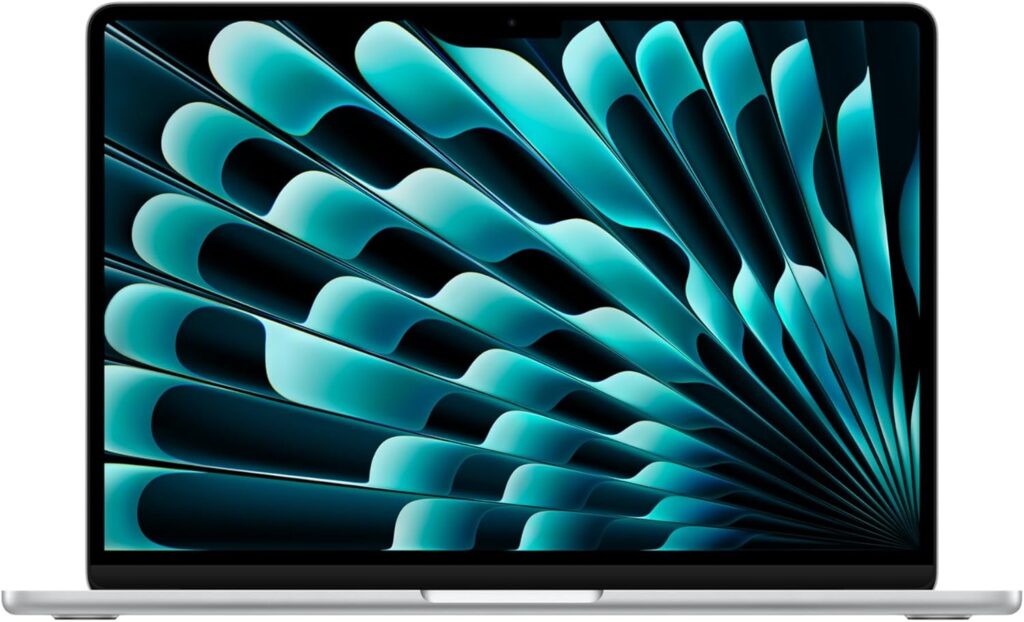
Who it’s best for: Frontend engineers, students, coding bootcamp participants, and developers who work remotely and need a silent, lightweight machine that lasts all day.
Key Specs (Amazon Verified):
CPU: Apple M4 Chip
RAM: 16GB Unified Memory (The perfect entry-point for 2026)
Storage: 256GB SSD Storage
Display: 13.6-inch Liquid Retina Display
Special Features: Fanless design (100% silent), 12MP Center Stage Camera
Performance for Development: The 2025 MacBook Air is proof that you don’t need a heavy workstation to ship production-grade code. The M4 chip handles modern JavaScript frameworks like React, Vue, and Next.js effortlessly. Because it is fanless, it is completely silent—a major plus for developers who work in quiet environments or coffee shops. While the 256GB SSD is on the smaller side, it is perfectly adequate for those using cloud-based workflows, GitHub repositories, and optimized local environments.
[!TIP] ByteAtlasLabs Insight: The 2025 refresh finally brings 16GB of RAM as the standard baseline. This is the single most important upgrade for web developers, allowing you to keep a dozen Chrome tabs, a Slack workspace, and VS Code open simultaneously without stuttering.
Pros:
Exceptional Value: At ~$899, it’s one of the best price-to-performance machines on the market.
Silent Workflow: The fanless design means zero noise during intense focus sessions.
Portability: Weighing barely over 2.7 lbs, it’s the most travel-friendly dev machine we’ve tested.
M4 Performance: Significant gains in single-core speeds compared to previous generations.
Cons:
Storage Limit: 256GB fills up quickly; consider an external SSD for large project assets.
Display Output: Native support limited to external displays (requires software or adapters for dual-monitor setups).
Verdict: For the developer who prioritizes mobility and efficiency, the M4 MacBook Air is the best laptop you can buy for under $1,000. It’s light, fast, and now features the 16GB of RAM required to power the professional developer’s workflow in 2026.
4. Framework Laptop 13 (DIY Edition)
The Anti-Disposable Machine for Engineers
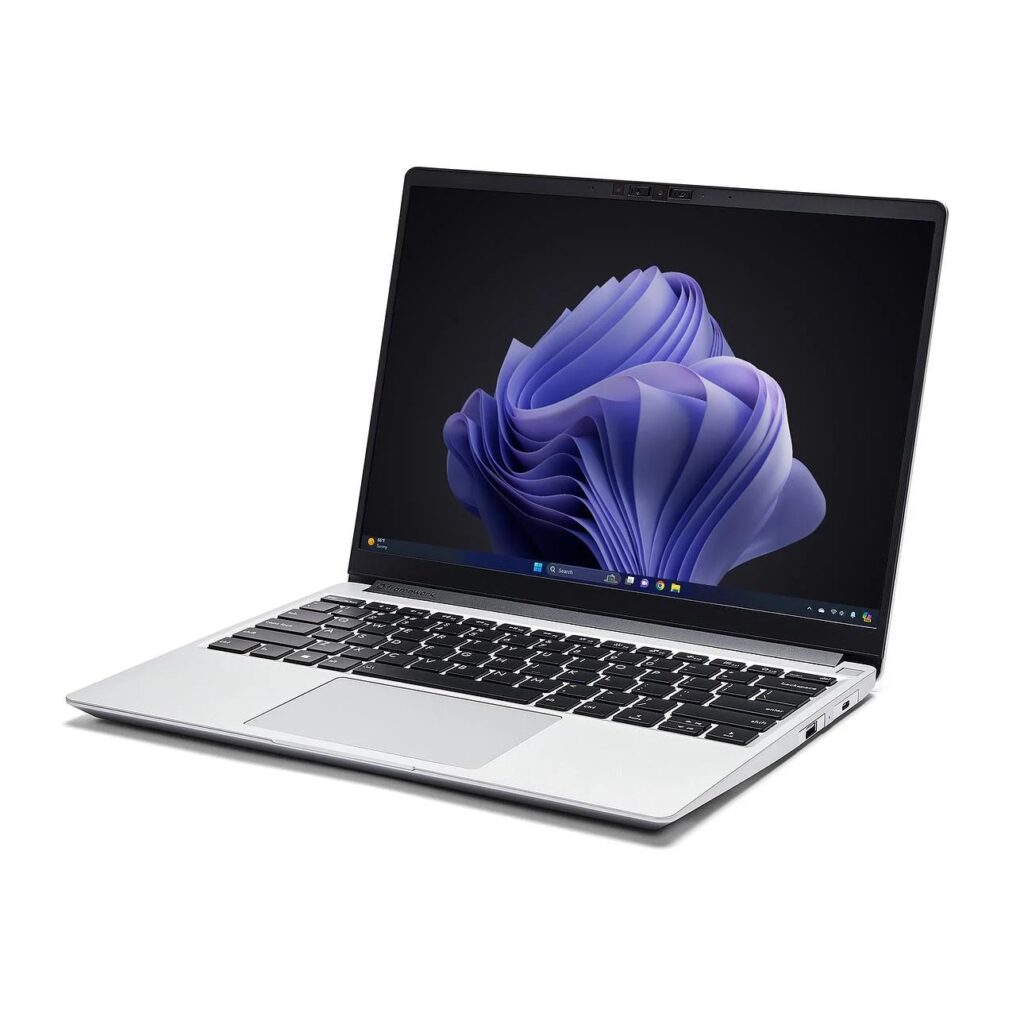
Who it’s best for: Open-source advocates, hardware-focused developers, and anyone tired of replacing a $2,000 laptop just because one port broke.
Key Specs (Typical Config):
CPU: Intel Core Ultra (Series 2) or AMD Ryzen 8040 Series
RAM: Up to 96GB DDR5 (User Upgradable)
Storage: M.2 NVMe SSD (Upgradable)
Expansion: 4 Modular ports (USB-C, HDMI, DP, Ethernet, etc.)
Display: 13.5-inch 3:2 aspect ratio (Perfect for vertical code reading)
Performance for Development: The Framework 13 isn’t just a laptop; it’s a statement. It’s the only machine on this list that respects your right to own your hardware. Whether you need massive RAM for running local Kubernetes clusters or just a portable machine that will last you for the next decade, the Framework 13 delivers. Its 3:2 screen aspect ratio provides significantly more vertical space for reading long code files compared to the standard 16:9 laptops.
[!TIP] ByteAtlasLabs Insight: We recommend the DIY version. You can source your own high-speed RAM and SSDs for cheaper than buying them pre-installed, and the assembly process gives you a deep understanding of your machine’s internals.
Pros:
100% Repairable: If it breaks, you fix it yourself in minutes.
3:2 Display: The best aspect ratio for coding productivity.
Custom Ports: Swap your ports based on whether you’re at a conference or your home desk.
Lifetime Value: Upgrade your CPU/Mainboard whenever the next generation arrives.
Cons:
Assembly Required: You’ll need to spend about 30 minutes putting it together (for the DIY version).
Build Feel: Doesn’t feel quite as “premium” or dense as a MacBook Pro.
Verdict: The Framework 13 is the ultimate “developer’s choice.” It’s an investment in a machine that adapts to your career needs for years to come. If you hate planned obsolescence, this is the only laptop you should consider.
5. Acer Swift Go 16 (Intel Evo Edition)
The Ultimate Large-Screen AI-Ready Workstation
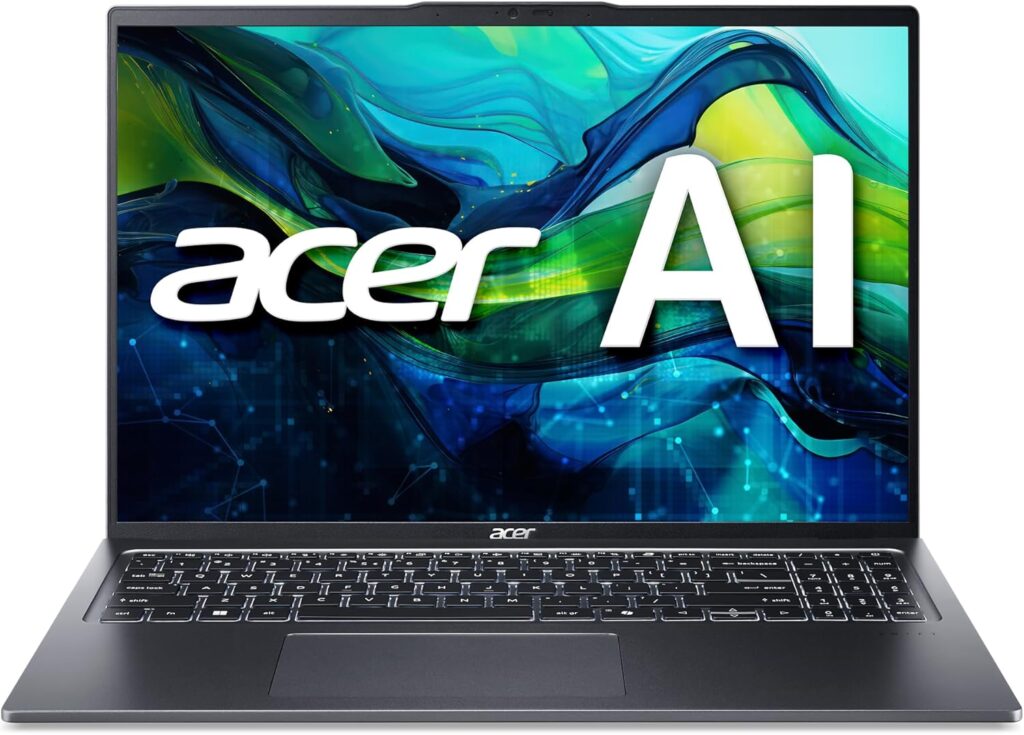
Who it’s best for: Developers who want a 16-inch workspace without the heavy weight of a gaming laptop, and those who need the raw power of a Core Ultra 9 for local AI tools.
Key Specs (Amazon Verified):
CPU: Intel Core Ultra 9 Processor 185H (High-End with AI Boost)
RAM: 16GB LPDDR5X
Storage: 1TB PCIe Gen4 SSD
Display: 16″ WUXGA (1920 x 1200) IPS Touchscreen, 100% sRGB
Weight: Thin-and-light Intel Evo design
Performance for Development: The Swift Go 16 is a productivity powerhouse. The standout feature is the Intel Core Ultra 9 185H, which features a dedicated NPU (Neural Processing Unit). For developers in 2026, this means faster execution of AI-driven coding assistants and local LLMs without draining the battery. The 16-inch display provides a massive canvas for side-by-side coding (VS Code next to a browser), and the 100% sRGB color accuracy makes it perfect for frontend developers who need to ensure their CSS colors are pixel-perfect.
[!TIP] ByteAtlasLabs Insight: Being “Intel Evo” verified means this laptop is optimized for real-world battery life and instant wake. Even with a powerful Core Ultra 9, you can expect consistent performance when you’re coding from a cafe without being plugged in.
Pros:
Top-Tier Processor: The Core Ultra 9 is a compilation beast for heavy web stacks.
16-inch Workspace: More screen real estate means less time switching between tabs.
Touchscreen Support: A nice-to-have feature for testing mobile-first web designs directly on the screen.
Wi-Fi 7 Ready: Future-proof connectivity for ultra-fast git pushes and cloud sync.
Cons:
1200p Resolution: On a 16-inch screen, the pixel density is lower than the 14-inch OLED version.
Size: It’s thin, but the 16-inch footprint requires a larger backpack.
Verdict: If you prefer a larger screen and the fastest possible Intel processor in a portable chassis, the Acer Swift Go 16 is an incredible deal at ~$999. It bridges the gap between a portable ultrabook and a high-end workstation.
6. ASUS ROG Strix G16 (2024)
The High-Performance Choice for WebGL, AI, and Game Dev
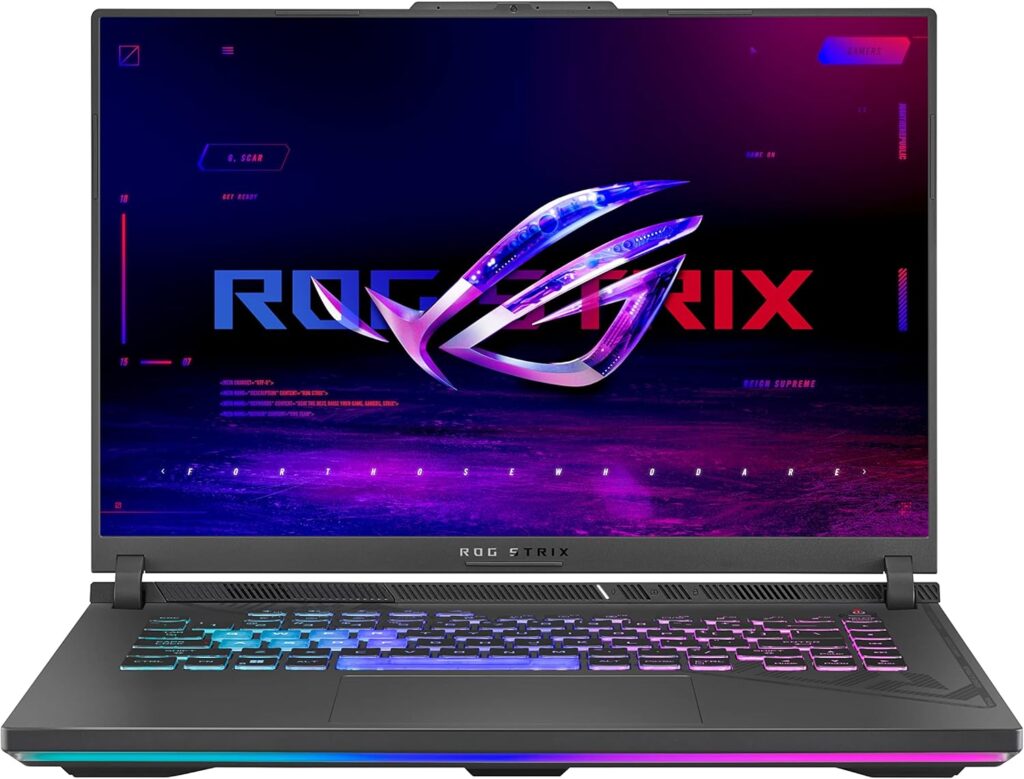
Who it’s best for: Developers building 3D web experiences (Three.js/Babylon.js), training local Machine Learning models, or engineers who need desktop-class power for heavy multitasking.
Key Specs (Amazon Verified):
CPU: Intel Core i7-13650HX (High-performance series)
GPU: NVIDIA GeForce RTX 4060 (140W Max TGP)
RAM: 16GB DDR5-4800MHz (Dual-channel)
Storage: 1TB PCIe Gen4 SSD
Display: 16-inch FHD (1920×1200) 165Hz, 100% sRGB
Performance for Development: Web development isn’t just about text anymore; in 2026, many projects involve heavy browser-based 3D rendering and local AI integration. The ROG Strix G16 is a powerhouse designed for these specific workloads. The RTX 4060 GPU provides the CUDA cores necessary for accelerating local AI inference, while the i7-13650HX processor cuts through heavy Node.js builds and Docker initializations in seconds. Its “Intelligent Cooling” system, featuring liquid metal, ensures that your CPU won’t throttle during long, intense compilation cycles.
[!TIP] ByteAtlasLabs Insight: While this is a gaming laptop, its thermal management is what makes it a pro-tier dev machine. Most thin ultrabooks slow down when they get hot; the Strix G16 is built to maintain 100% speed for hours, which is vital for building complex enterprise applications.
Pros:
Exceptional GPU Power: The RTX 4060 is a beast for WebGL and local AI model testing.
Superior Cooling: Third intake fan and liquid metal keep the system stable during heavy workloads.
Large 16-inch Display: The 16:10 aspect ratio gives you extra vertical room for code.
Fast 1TB Storage: Plenty of space for multiple Docker volumes and heavy project assets.
Cons:
Weight & Bulk: It’s a heavy machine (over 5 lbs), not ideal for frequent commuting.
Gamer Aesthetic: The RGB lighting and chassis design are less “minimalist” than a MacBook or XPS.
Verdict: If your development work requires raw compute and graphics performance over portability, the ASUS ROG Strix G16 is unbeatable at this price point. It’s a desktop replacement in a laptop form factor that will handle anything the 2026 web stack throws at it.
7. Dell 15 Laptop (DC15250)
The Best 15-inch Budget Workhorse for Junior Developers
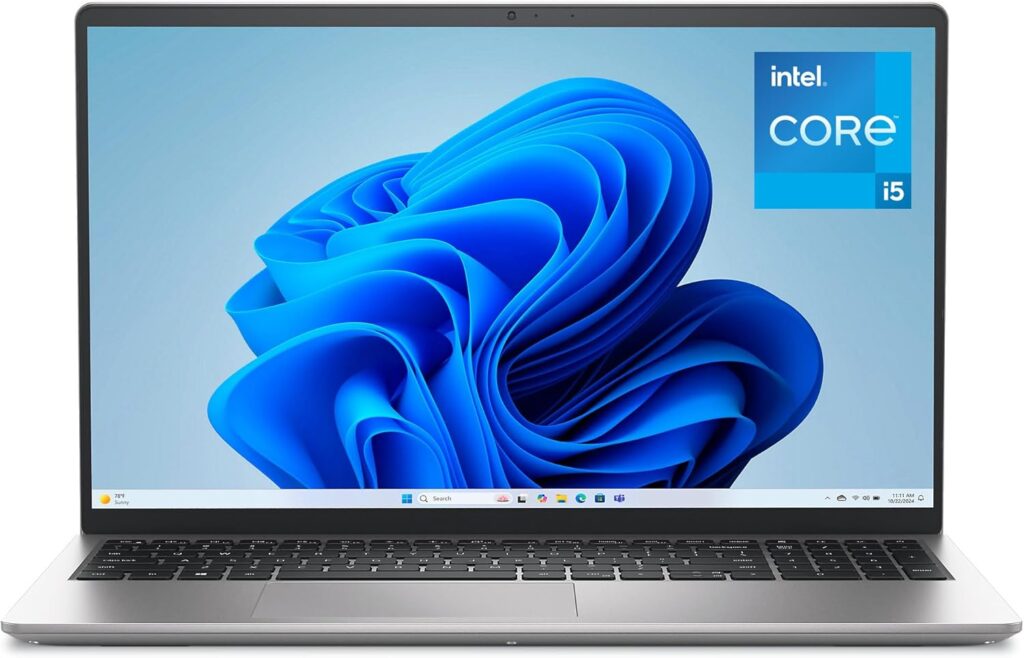
Who it’s best for: Coding bootcamp attendees, computer science students, and junior web developers who need a reliable, large-screen machine on a strict budget.
Key Specs (Amazon Verified):
CPU: Intel Core i5-1334U Processor
RAM: 16GB DDR4 RAM (The minimum standard for 2026)
Storage: 512GB SSD
Display: 15.6-inch FHD (1920×1080) 120Hz Display
OS: Windows 11 Home
Performance for Development: You do not need to spend over $1,500 to start building web applications, and the Dell 15 proves it. Equipped with an Intel Core i5-1334U and, crucially, 16GB of RAM out of the box, this machine handles standard local web servers, VS Code, and full-stack JavaScript environments without bottlenecking. The standout feature here is the 15.6-inch 120Hz display; the high refresh rate makes scrolling through thousands of lines of code or terminal outputs incredibly smooth, while the larger screen size reduces the immediate need for an external monitor.
[!TIP] ByteAtlasLabs Insight: Many budget laptops under $700 still ship with a soldered 8GB of RAM, making them obsolete for modern web development. The fact that Dell includes 16GB of RAM at this price point makes it an automatic recommendation for developers just starting their careers.
Pros:
Unbeatable Price: At ~$649, it offers incredible value for the core specs provided.
Large 120Hz Display: Smooth scrolling and plenty of screen real estate for split-window coding.
16GB RAM Included: Ready for modern dev environments right out of the box.
Full Keyboard: Includes a numpad, which is helpful for data entry or quick IP typing.
Cons:
Older Memory Tech: Uses DDR4 instead of the newer, faster LPDDR5x.
Resolution: 1080p on a 15.6-inch screen isn’t the sharpest for reading small font sizes compared to 2K/3K screens.
Integrated UHD Graphics: Not suitable for 3D rendering, heavy WebGL, or local AI training.
Verdict: If your budget is strictly under $700, the Dell 15 is the smartest financial decision you can make. It doesn’t have the premium aluminum chassis of a MacBook or an XPS, but it delivers the exact processing power and memory required to compile code and launch your web development career.
Frequently Asked Questions (FAQ)
1- How much RAM do I actually need for web development in 2026?
While 8GB was acceptable years ago, 16GB is the absolute minimum for web development today (which is why even our budget pick, the Dell 15, includes 16GB). However, if your workflow involves running multiple Docker containers, local LLMs, or heavy backend environments, we highly recommend aiming for 24GB (like the MacBook Pro M4) or 32GB (like the ThinkPad X1 Carbon) to ensure smooth multitasking without memory swapping.
2- Are gaming laptops like the ASUS ROG Strix good for web development?
Yes, absolutely. Gaming laptops are incredibly powerful workstations. The ASUS ROG Strix G16 on our list features an RTX 4060 GPU and a high-wattage CPU. This makes it a perfect choice for developers building 3D web experiences (WebGL, Three.js), training local AI models, or game development. The trade-off is usually a heavier chassis and shorter battery life compared to an ultrabook.
3- Should a web developer choose a Mac or a Windows laptop in 2026?
It depends entirely on your ecosystem and workflow. macOS (MacBook Pro/Air) remains the industry standard for full-stack and iOS development due to its native UNIX environment and incredible battery life via Apple Silicon (M4). However, Windows laptops have become equally capable thanks to WSL2 (Windows Subsystem for Linux), allowing you to run a native Linux kernel on machines like the ThinkPad X1 or Acer Swift Go without dual-booting.
Deep Dive: Still on the fence? Read our complete comparison on [Mac vs. Windows for Web Development in 2026] to find out which OS fits your exact tech stack.
4- Is a 15-inch or 16-inch screen necessary for coding?
While 13-inch and 14-inch laptops (like the MacBook Air) offer the best portability, 15-inch and 16-inch displays (like the Acer Swift Go 16) provide a significant productivity boost. The extra screen real estate allows you to comfortably place your IDE (like VS Code) side-by-side with a web browser and a terminal, reducing the constant need to switch between virtual desktops.
5- What is an NPU (Neural Processing Unit), and do developers need it?
An NPU is a specialized chip designed to handle AI tasks efficiently without draining the main CPU or battery. Processors like the Intel Core Ultra 9 (found in the Acer Swift Go 16) include built-in NPUs. As AI coding assistants (like Copilot) and local AI tasks become integrated into everyday development tools, having an NPU ensures your laptop remains fast and responsive for years to come.