
How to Choose the Best Laptop for Computer Science Students.
Entering a computer science or software engineering program is stressful enough without having to worry if your laptop will freeze mid-compilation. Whether you’re diving into full-stack web development, spinning up heavy mobile app emulators, or just trying to keep 30 Stack Overflow tabs open without your fans sounding like a jet engine, you need a reliable machine.
But here is the truth: You don’t need to spend $2,000 to get an A in your coding classes. Many students (and parents) make the mistake of either buying an overpriced, overkill workstation they’ll never fully utilize, or worse, buying a cheap “potato PC” that crashes the moment they open Android Studio or a local database.
In this 2026 guide, we break down the absolute best laptops for computer science students. From broke-college-student budget picks to premium long-term investments, we’ll show you what you actually need to survive your degree without getting scammed.
Quick Picks: The 2026 Student Cheat Sheet
| Category | Laptop Model | Why It Wins for Students | Price Range | Link |
| Best Overall (Mac) | Apple MacBook Air 13″ (M4) | Silent, all-day battery, perfect for lectures. | ~$899 | Check Amazon |
| Best Windows Pick | Acer Swift Go 14 (OLED) | Premium OLED screen, great keyboard, ultra-light. | ~$750 | Check Amazon |
| Best Budget Warrior | Dell 15 (DC15250) | Hits the 16GB RAM minimum for under $700. | ~$649 | Check Amazon |
| Best for Game Dev/AI | ASUS ROG Strix G16 | Packs an RTX GPU for 3D/AI without breaking the bank. | ~$1,149 | Check Amazon |
The Top Laptops for CS Students
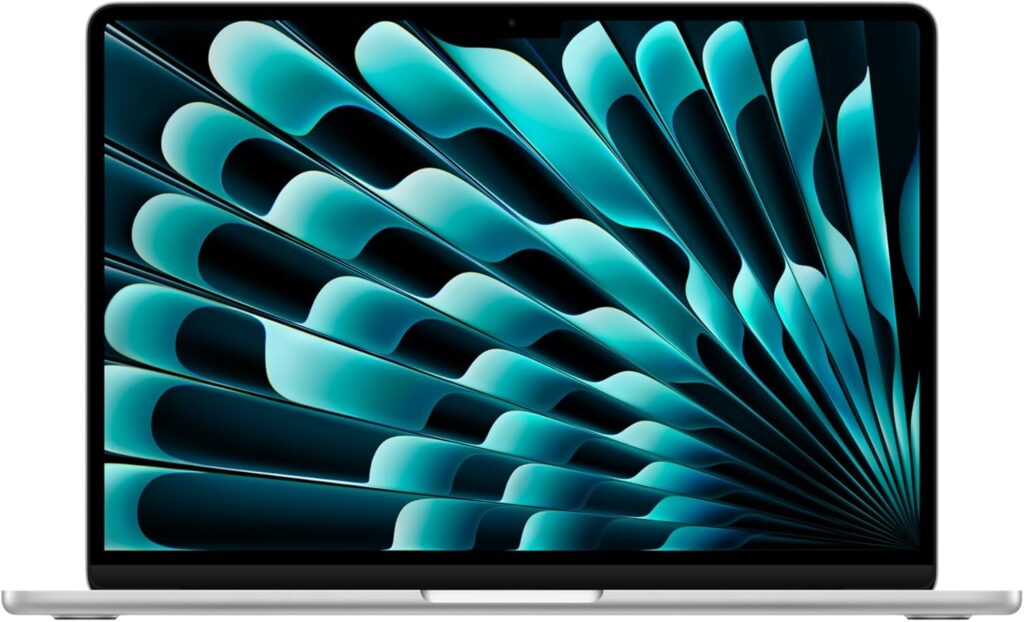
1. Apple MacBook Air 13″ (M4, 16GB): The Ultimate CS Major Companion. (Focus: Battery life for back-to-back classes and UNIX environment).
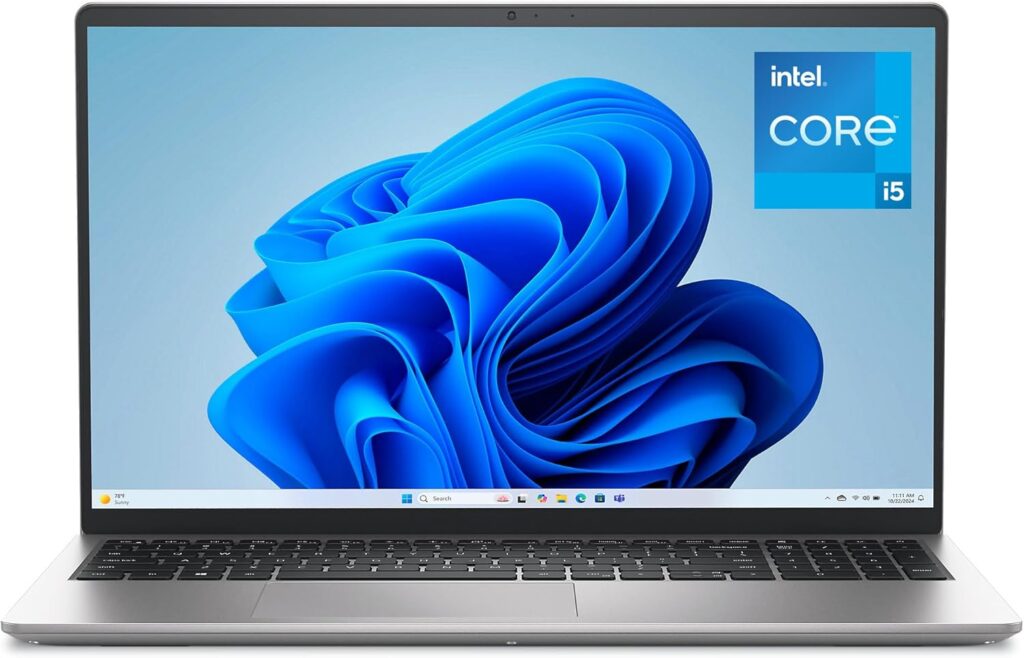
2. Dell 15 (DC15250): The Best Budget Laptop for Coding Beginners. (Focus: Getting the crucial 16GB RAM on a strict student budget).
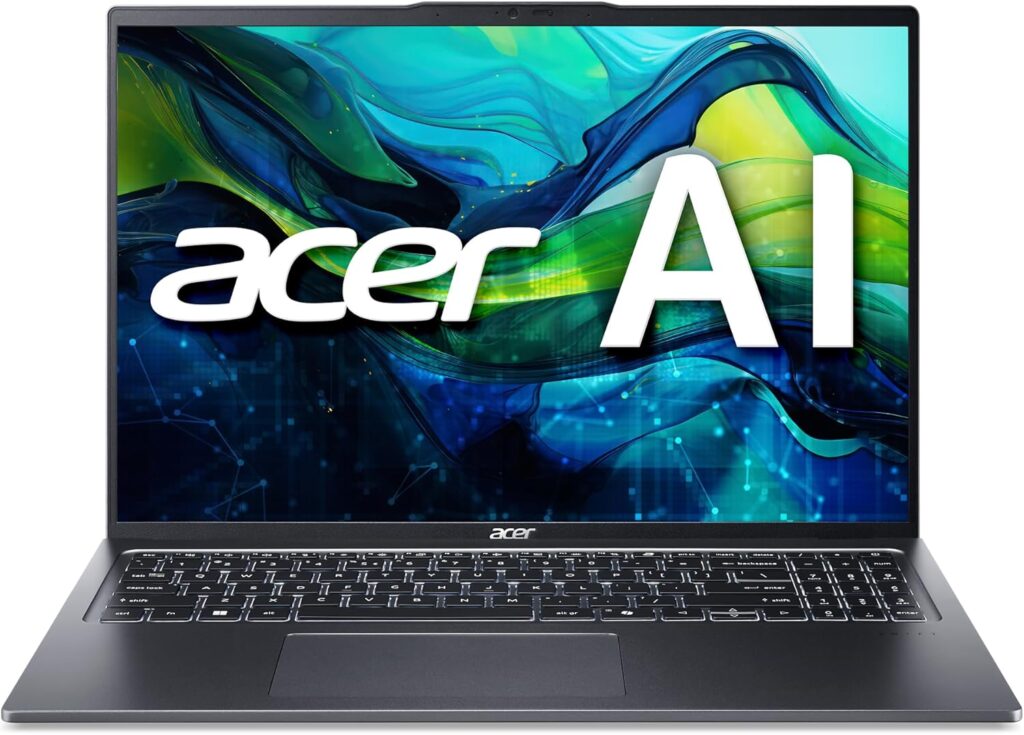
3. Acer Swift Go 14/16: The MacBook Air Killer for Windows Loyalists. (Focus: Value for money, OLED screen for late-night coding).
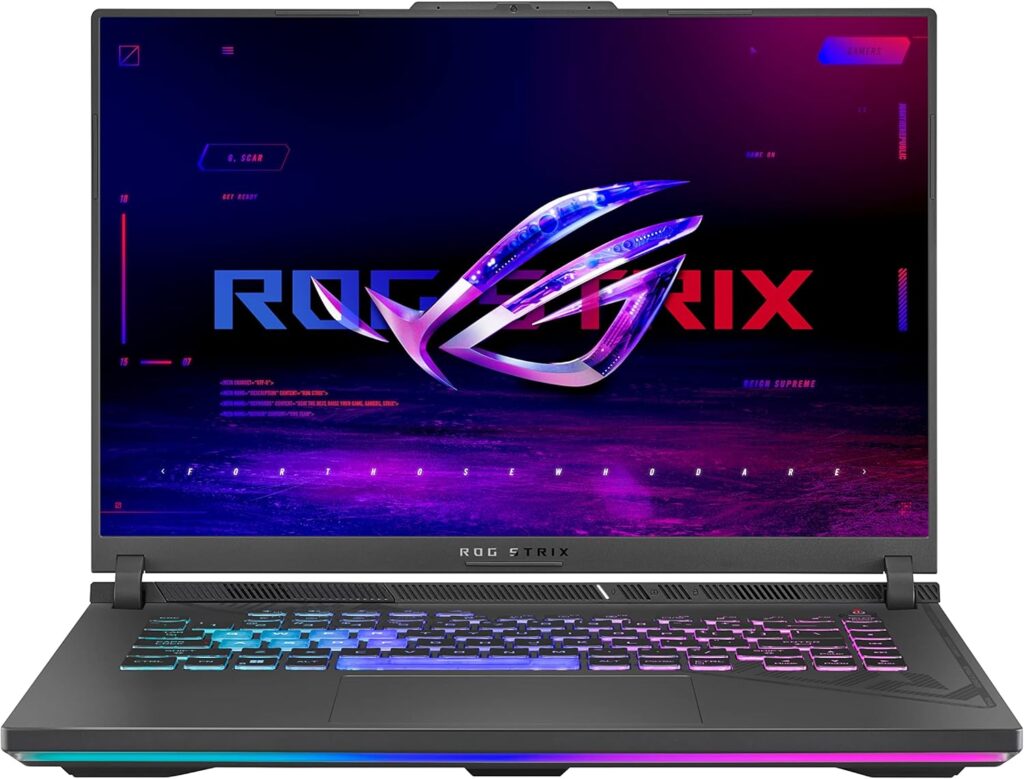
4. ASUS ROG Strix G16: The Overkill Option for AI & Game Dev Students. (Focus: When coursework requires heavy rendering or local machine learning).
“If you want a deeper look into the technical benchmarks and display quality of these machines, check out our [detailed guide on the best laptops for web development] where we push these CPUs to their limits.”
What CS Students ACTUALLY Need (Don’t Get Scammed)
Before you hit “Add to Cart,” you need to know the reality of computer science degrees in 2026. Retailers will try to sell you flashy laptops with useless features. Here is the strict baseline you need to survive coding bootcamps and university assignments without tearing your hair out:
- 16GB RAM is the ABSOLUTE Minimum: Do not let a salesperson convince you that 8GB is “enough for a student.” It is not. Between running local servers, Docker containers, mobile application emulators, and 20 Chrome tabs for documentation, 8GB will cause your laptop to freeze. If you want a smooth workflow, 16GB is non-negotiable.
- An SSD is Mandatory (Aim for 512GB+): Never buy a laptop with an HDD (Hard Drive). You need an NVMe SSD for fast boot times and rapid code compilation. While 256GB is okay if you use cloud storage heavily,
node_modulesand heavy IDEs (like Visual Studio or Android Studio) will eat up that space fast. Aim for 512GB.
- Avoid The Chromebook Trap: Chromebooks are tempting because they are cheap ($200-$300). Do not buy them for a Computer Science degree. They run ChromeOS, meaning you cannot natively install essential industry-standard software like full VS Code, IntelliJ, or heavy local databases without frustrating workarounds. Stick to Windows, macOS, or Linux.
The CS Student Budget Guide
Not everyone has the same financial aid or budget. Here is how you should spend your money based on what’s in your bank account:
🟢 Under $500 (The “I’m Broke” Tier)
At this price point, buying a brand-new laptop usually means sacrificing RAM or getting a terrible screen.
- The Strategy: Look for refurbished Lenovo ThinkPads (like the T-series) or heavily discounted budget machines. Warning: You must double-check that they have 16GB of RAM and an SSD.
🟡 $500 – $1,000 (The Sweet Spot)
This is where the magic happens for most students. You can get a brand-new, highly capable machine that will easily last all 3-4 years of your degree.
- The Strategy: Grab the Dell 15 (DC15250) if you are closer to $600. If you can stretch to $899, the Apple MacBook Air 13″ (M4) is the undisputed king of student laptops thanks to its all-day battery life (no need to fight for wall outlets in the lecture hall).
🔴 $1,000+ (The Premium & Future-Proof Tier)
If you have a larger budget, a scholarship, or parents helping out, this tier guarantees you won’t need an upgrade when you land your first Junior Developer job.
- The Strategy: The MacBook Pro 14 (M4 Pro) is the ultimate long-term investment for full-stack developers. If you are specializing in Game Development, AI, or WebGL, the ASUS ROG Strix G16 gives you the raw GPU power you need.
Final Verdict: Which One Should You Buy?
Still overwhelmed? Let’s make this incredibly simple:
- If you are on a strict budget 👉 Get the Dell 15. It gives you the required 16GB of RAM and a big screen for under $700.
- If you want the best all-around student experience 👉 Get the MacBook Air 13″ (M4). It’s light, silent, and the battery will survive your longest days on campus.
- If you want to do heavy AI, 3D rendering, or gaming 👉 Get the ASUS ROG Strix G16. It’s a powerhouse that doubles as a premium gaming rig.